
Model
Models have all the basic properties described in Object Instructions.
Child
Additionally, models have the child method for accessing children defined in the GLB or glTF file.
Since the child method returns the model type again, all model properties and methods can be applied
to children as well.
Please refer to Transformation Example or Robot Example for an example.
Material
The material properties of a model can be updated dynamically.
In order to access the material property, the unique_material argument must be set
(True or False) when adding the model to the visualization.
If a material is not unique all material settings affect all models in the scene with the same material as the target model.
Warning
Some material properties might not be supported by the model’s original material. For example, a model with a png based texture might not support color changes.
Alternatively, a separately created material (e.g. via add_mesh_standard_material or
add_mesh_basic_material) can be passed as the material argument when adding the model. It
is then applied recursively to every mesh in the model, replacing whatever materials are baked into the
model asset itself, regardless of what the asset’s own materials look like. The unique_material
argument is ignored when material is set.
Depth Test
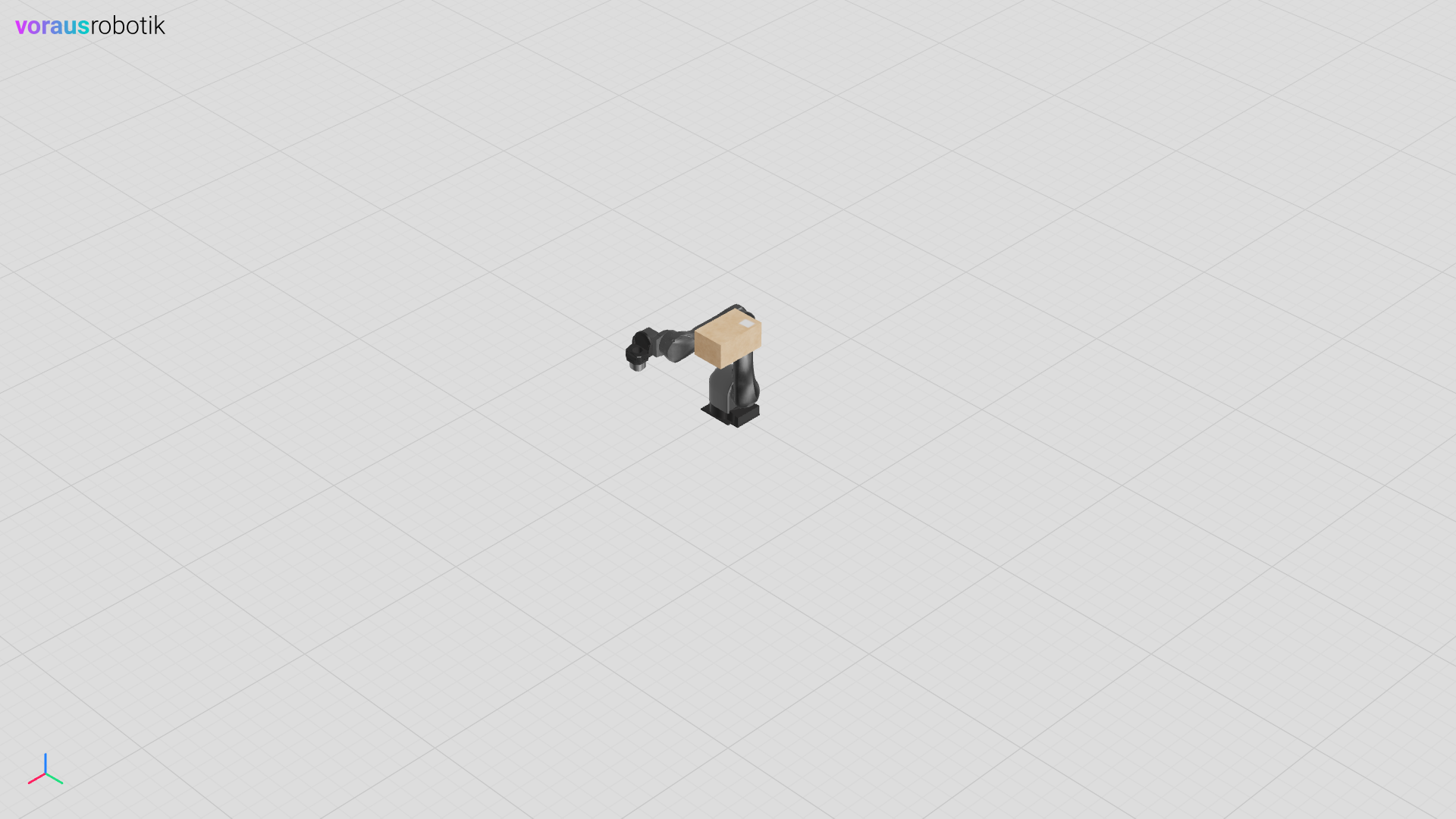
Setting the depth_test attribute updates the material’s rendering behavior:
depthTestis set to the given valuetransparentis set toTrue
When the depth_test setting is applied to a parent object with multiple
children, the property is set for all descending children recursively.
Example:
1    visu = Visu(voraus_3d_visu, clear_all=True)
2    robot = visu.add_model(robot_glb, position=[0, 0, 0])
3    box = visu.add_model(box_glb, position=[-0.5, -0.5, 0], unique_material=True)
4
5    with visu.connection():
6        visu.update(
7            box.material.depth_test(False),
8        )
1let mut visu = Visu::new(url, false, false, true, None)?;
2let robot = add_model(&visu, robot_glb, [0.0, 0.0, 0.0])?;
3let box_model = add_model_unique(&visu, box_glb, [-0.5, -0.5, 0.0], true)?;
4
5let mut connection = visu.connection()?;
6connection.update(vec![box_model.material()?.depth_test(false)])?;
Transparency
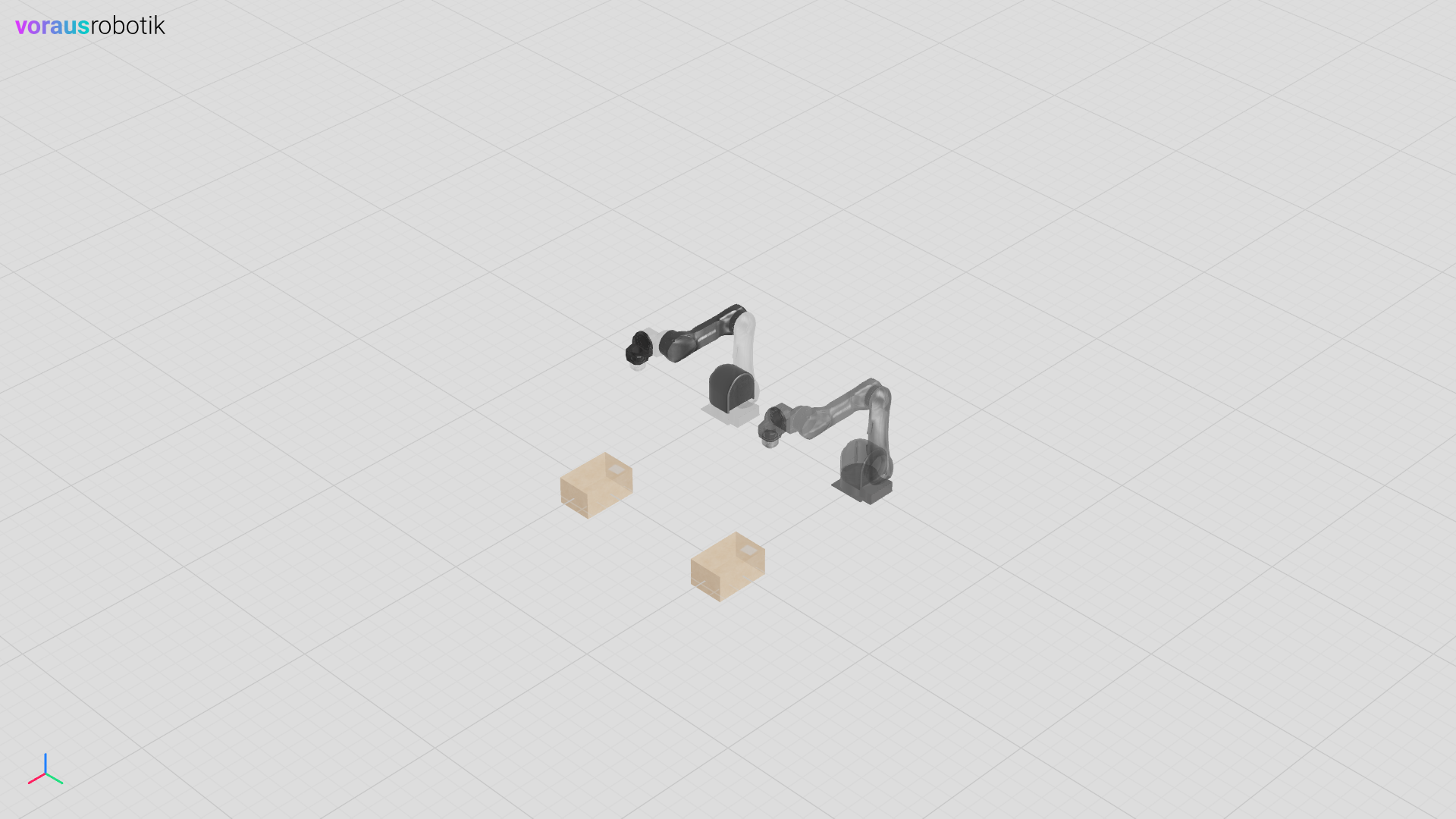
Setting the transparency attribute updates the material’s rendering behavior:
transparentis set toTrueopacityis set to the given value
When the transparency setting is applied to a parent object with multiple children, the property is set for all descending children recursively.
As the material of box 1 was not made unique, both boxes are transparent, even though the transparency was only set for box 1.
Example:
 1    visu = Visu(voraus_3d_visu, clear_all=True)
 2    robot1 = visu.add_model(robot_glb, position=[0, 0, 0], unique_material=True)
 3    robot2 = visu.add_model(robot_glb, position=[0, 1, 0], unique_material=True)
 4    box1 = visu.add_model(box_glb, position=[1, 0, 0], unique_material=False)
 5    _ = visu.add_model(box_glb, position=[1, 1, 0])
 6
 7    with visu.connection():
 8        visu.update(
 9            robot1.child("Base").material.transparency(0.1),
10            robot1.child("Segment1").material.transparency(1.0),
11            robot1.child("Segment2").material.transparency(0.1),
12            robot1.child("Segment3").material.transparency(1.0),
13            robot1.child("Segment4").material.transparency(0.1),
14            robot1.child("Segment5").material.transparency(0.8),
15            robot1.child("Segment6").material.transparency(0.1),
16            robot2.material.transparency(0.4),
17            box1.material.transparency(0.5),
18        )
 1let mut visu = Visu::new(url, false, false, true, None)?;
 2let robot1 = add_model_unique(&visu, robot_glb, [0.0, 0.0, 0.0], true)?;
 3let robot2 = add_model_unique(&visu, robot_glb, [0.0, 1.0, 0.0], true)?;
 4let box1 = add_model_unique(&visu, box_glb, [1.0, 0.0, 0.0], false)?;
 5add_model(&visu, box_glb, [1.0, 1.0, 0.0])?;
 6
 7let mut connection = visu.connection()?;
 8connection.update(vec![
 9    robot1.child("Base").material()?.transparency(0.1)?,
10    robot1.child("Segment1").material()?.transparency(1.0)?,
11    robot1.child("Segment2").material()?.transparency(0.1)?,
12    robot1.child("Segment3").material()?.transparency(1.0)?,
13    robot1.child("Segment4").material()?.transparency(0.1)?,
14    robot1.child("Segment5").material()?.transparency(0.8)?,
15    robot1.child("Segment6").material()?.transparency(0.1)?,
16    robot2.material()?.transparency(0.4)?,
17    box1.material()?.transparency(0.5)?,
18])?;
For a color example, see Geometric Primitives.