
Pick and Place Example
In this example, you will learn how to simulate a pick and place application as shown in Fig. 3.
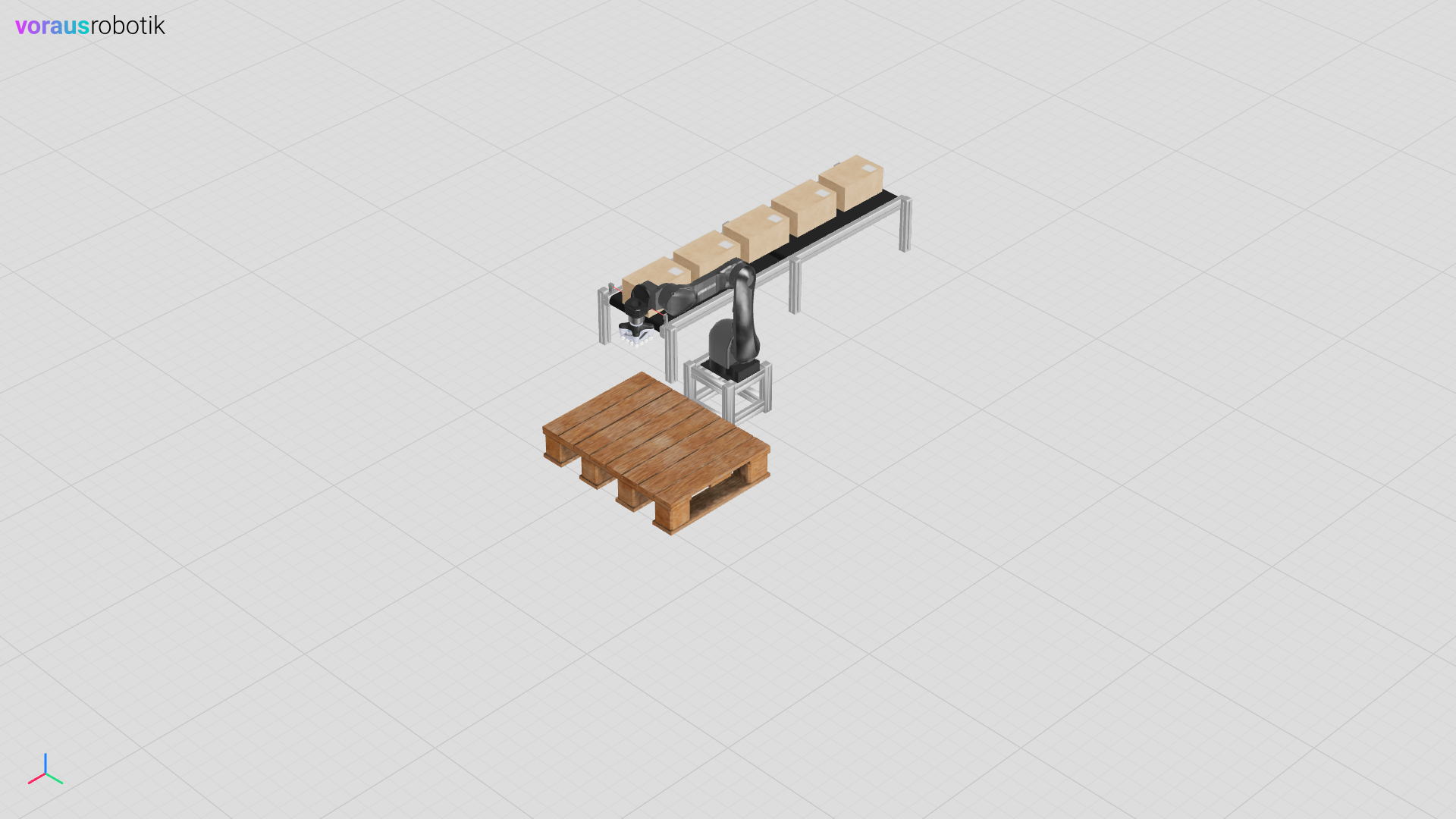
Fig. 3 The voraus Simulation of a pick and place application
For the simulation, the voraus.core is operated in virtual mode in order to integrate the robot and the conveyor belt. The program is tested against the simulation and therefore can also be deployed on a real system.
Open the Example in VS Code
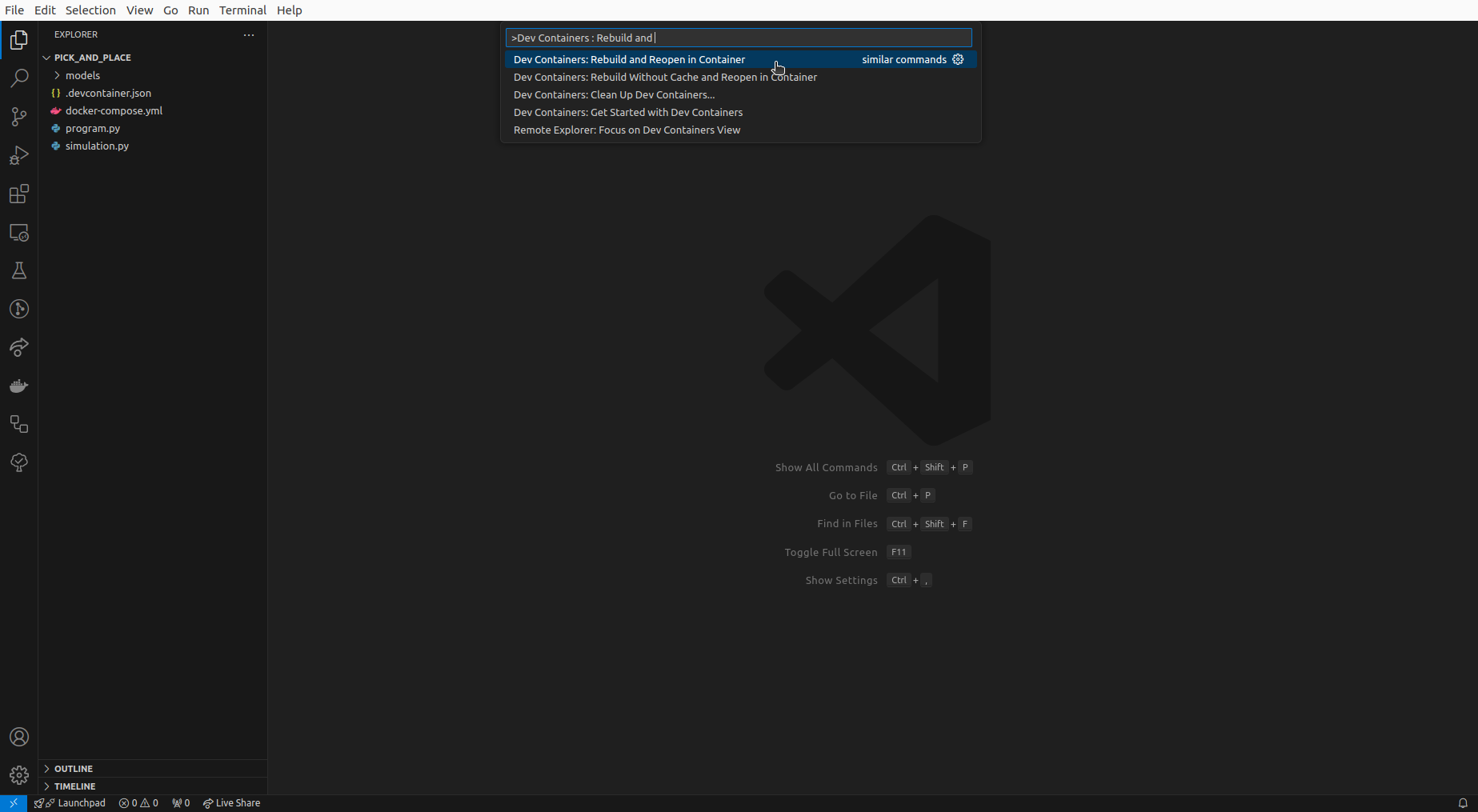
Open the folder /examples/pick_and_place/ in VS Code, press Ctrl + Shift + P
and select Dev Containers: Rebuild and Reopen in Container as shown in Fig. 4.
It takes a moment for the dev container to be started.
The dev container starts the services defined in docker-compose.yml, including the voraus.core and the
voraus 3D Visu. The voraus 3D Visu hosts the web-based visualization and is published on
localhost:8077. Whenever an example asks you to open
localhost:8077, it refers to this server.